The web UI
The whole flock, in a browser.
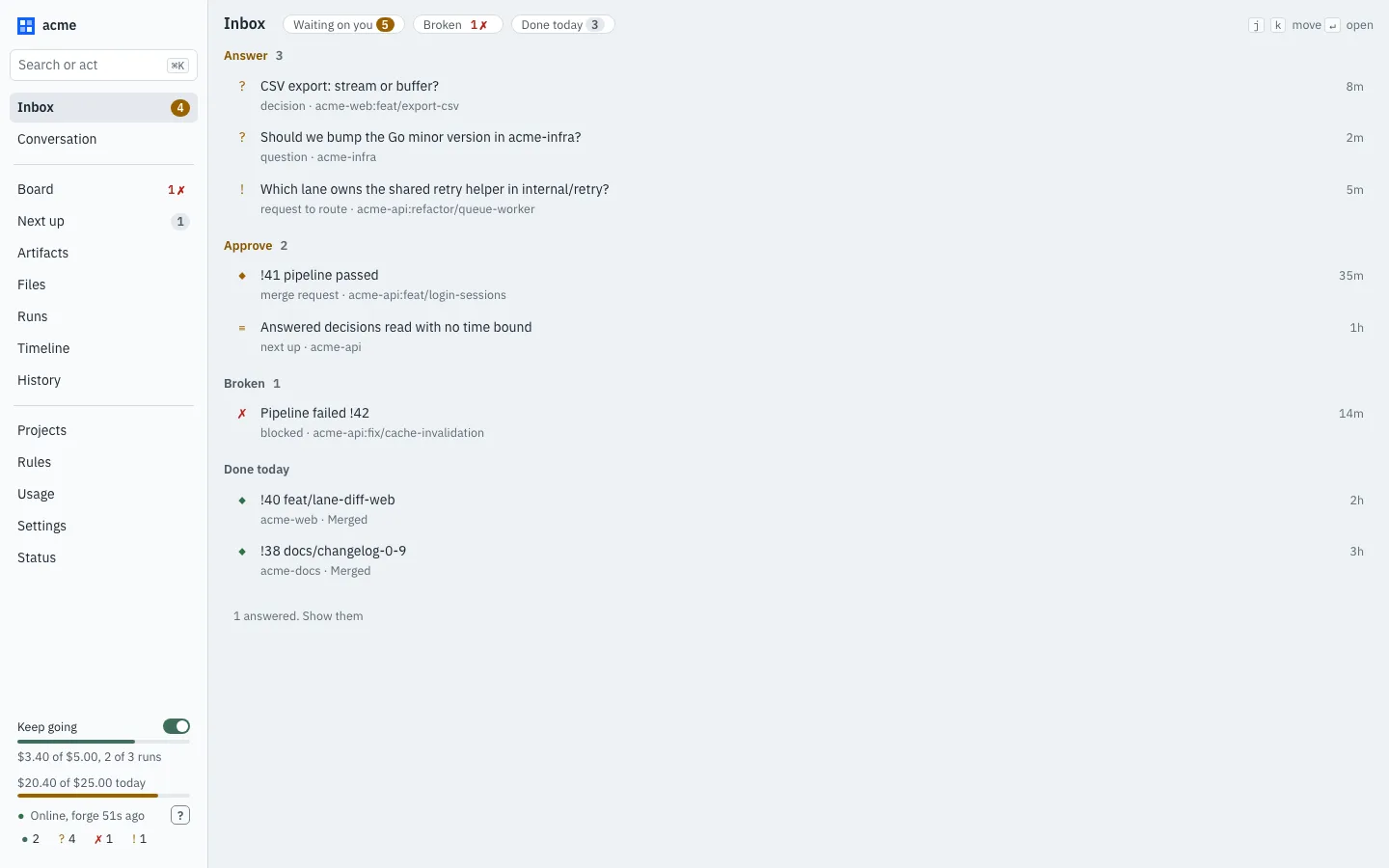
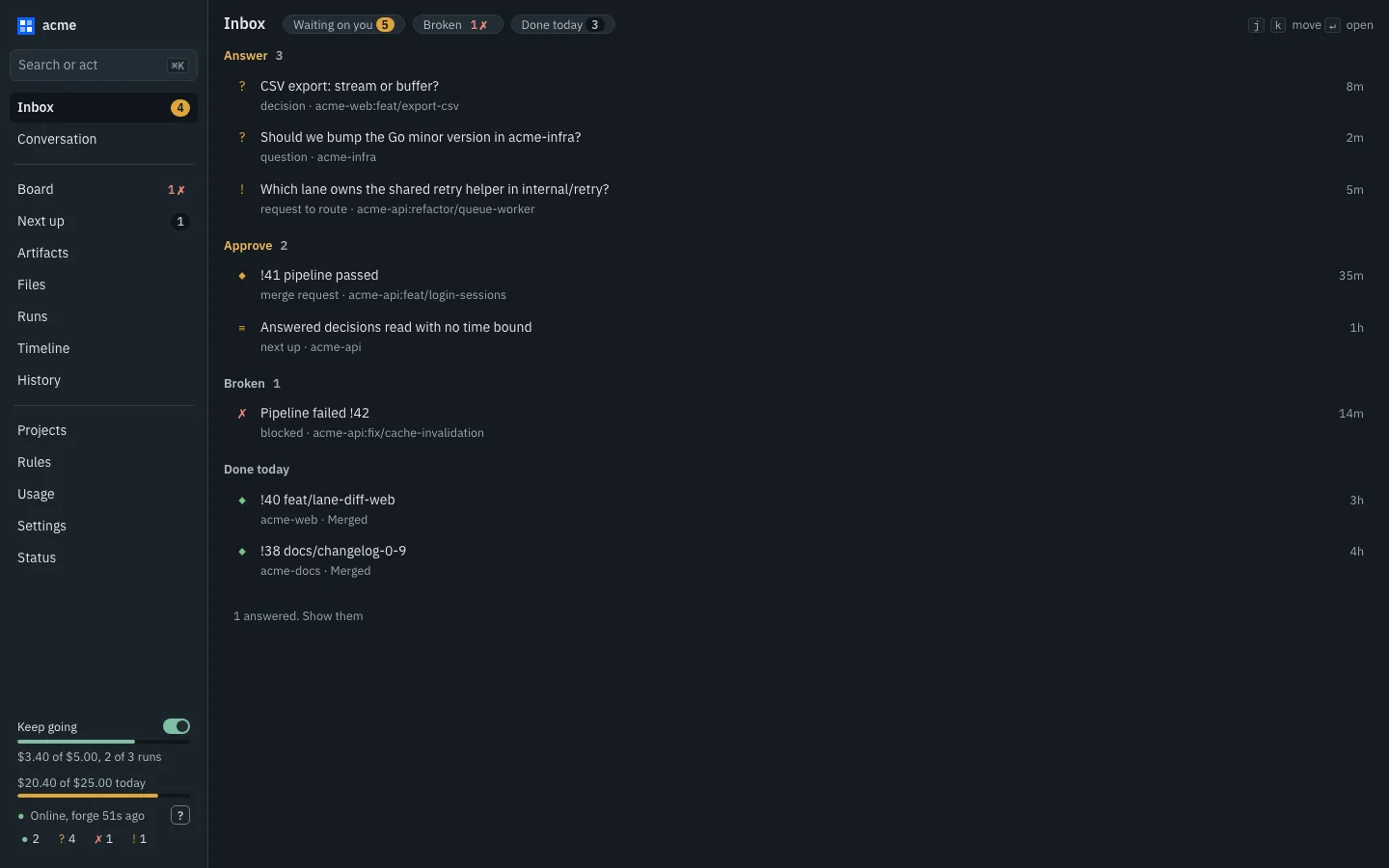
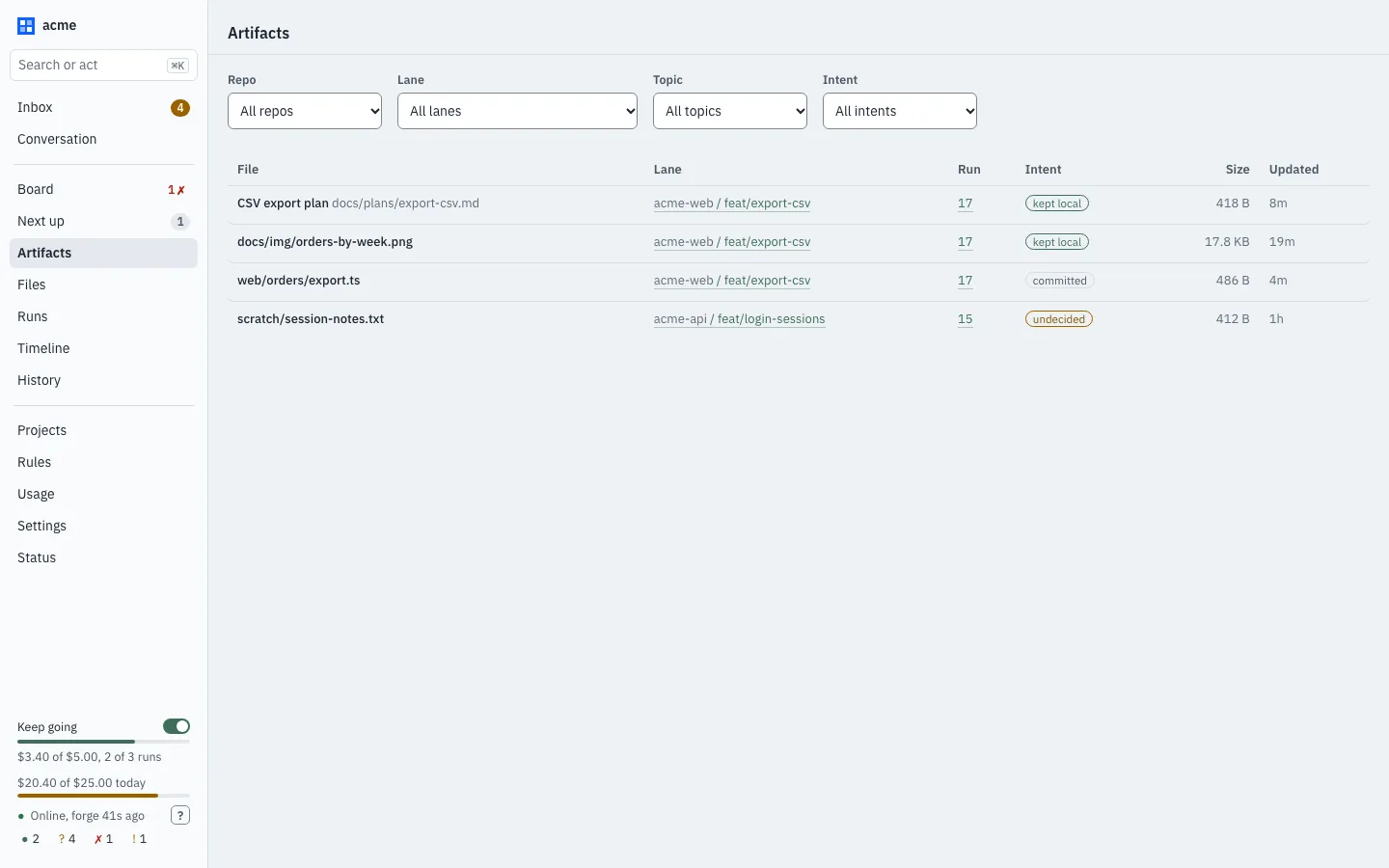
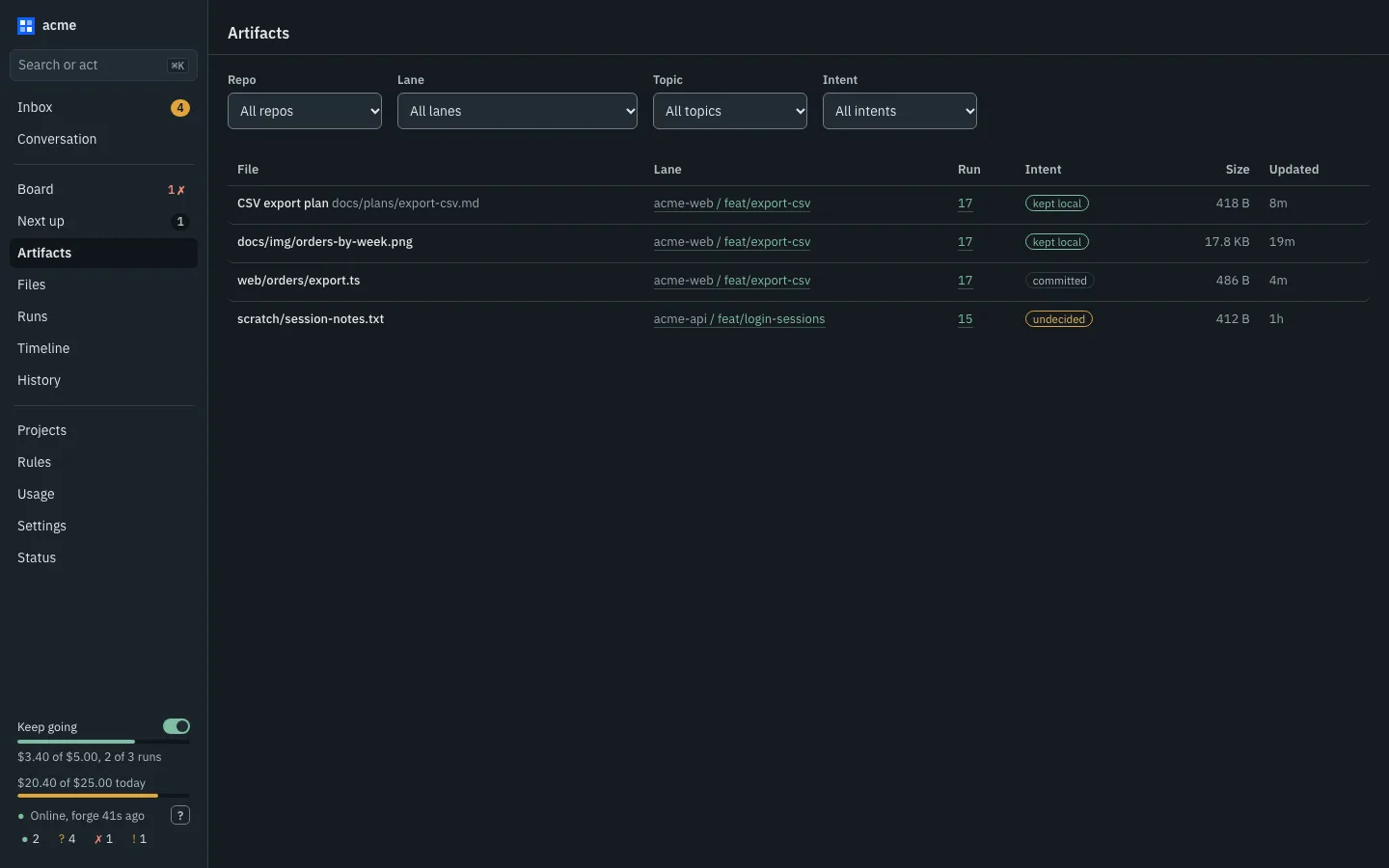
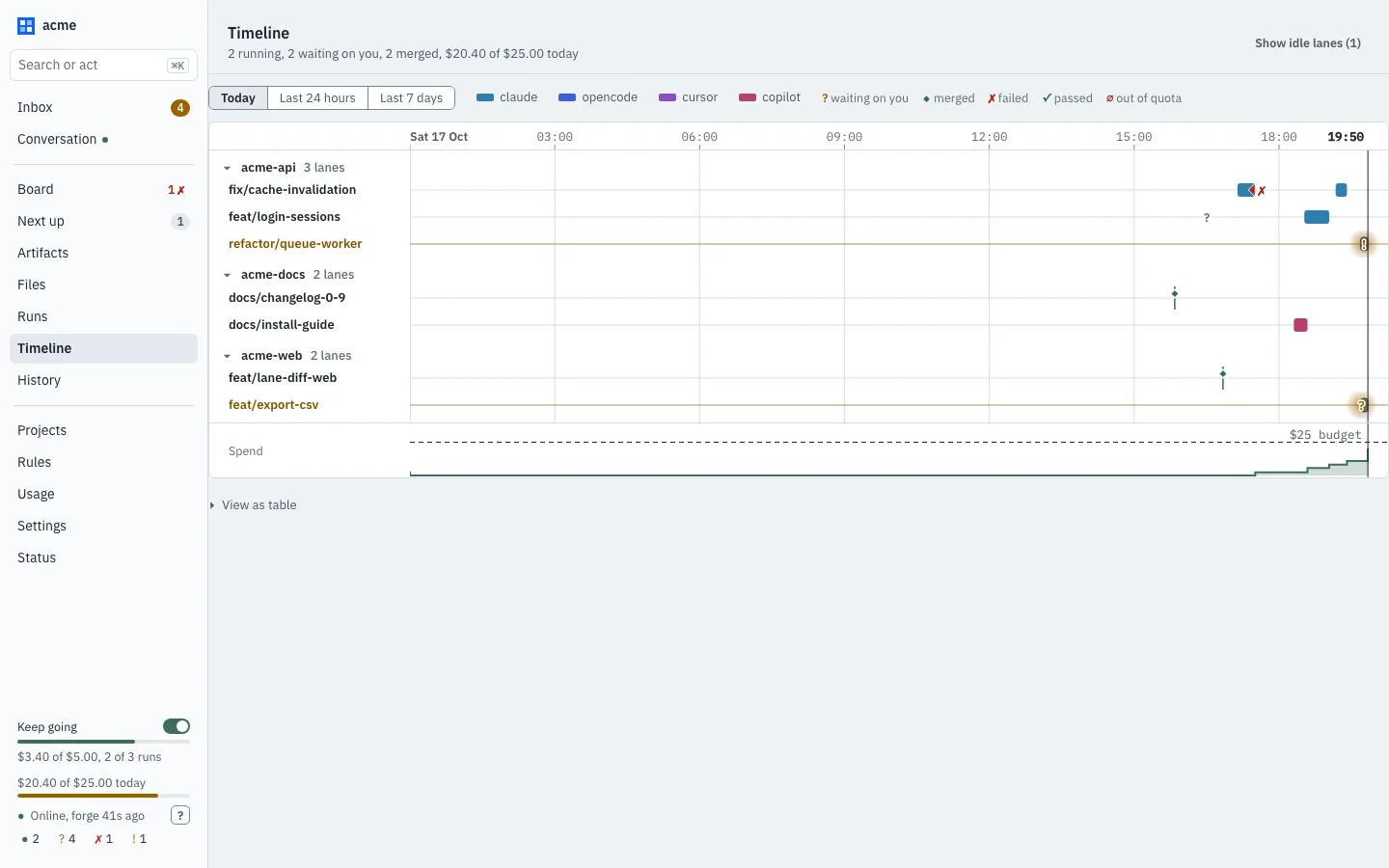
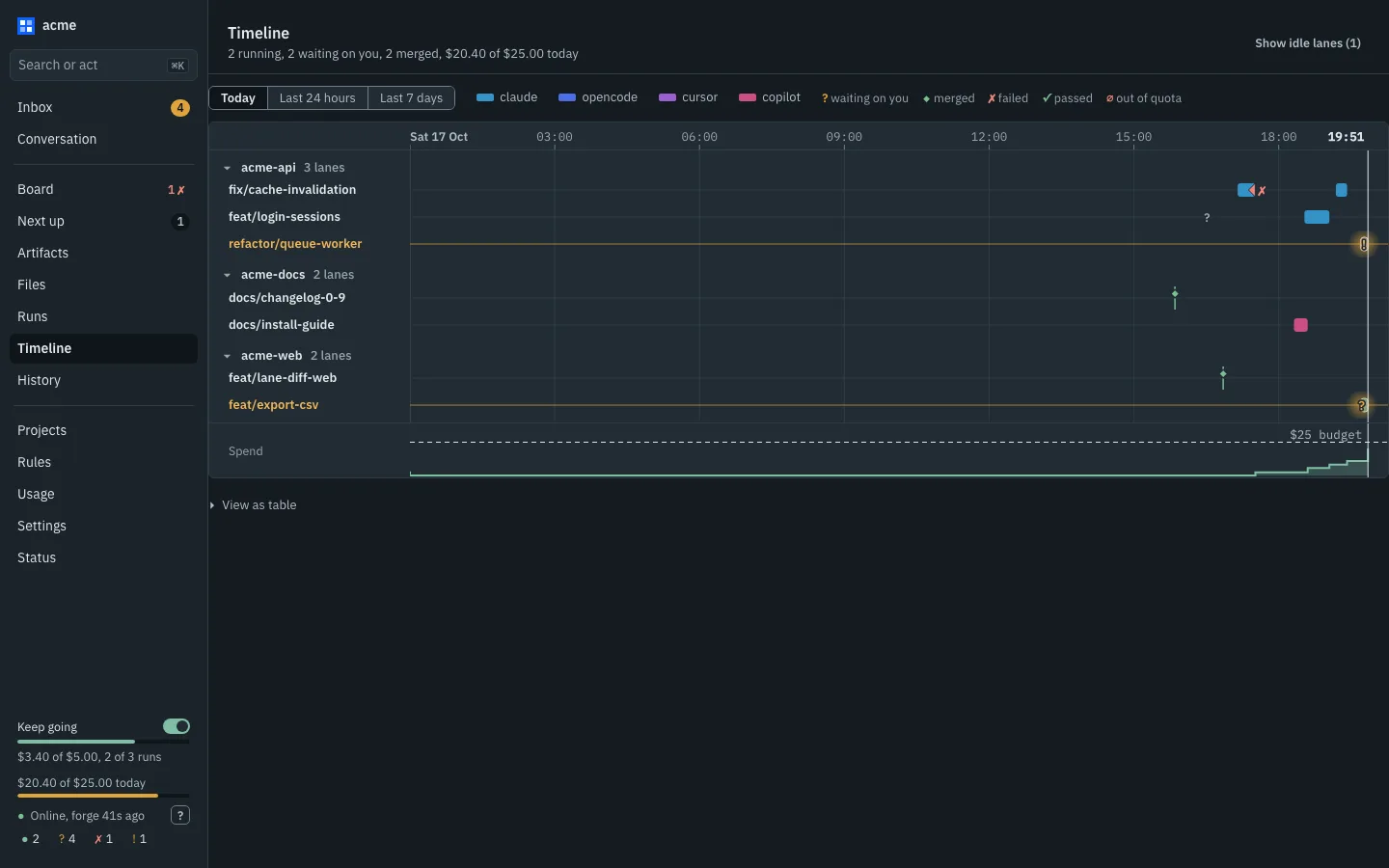
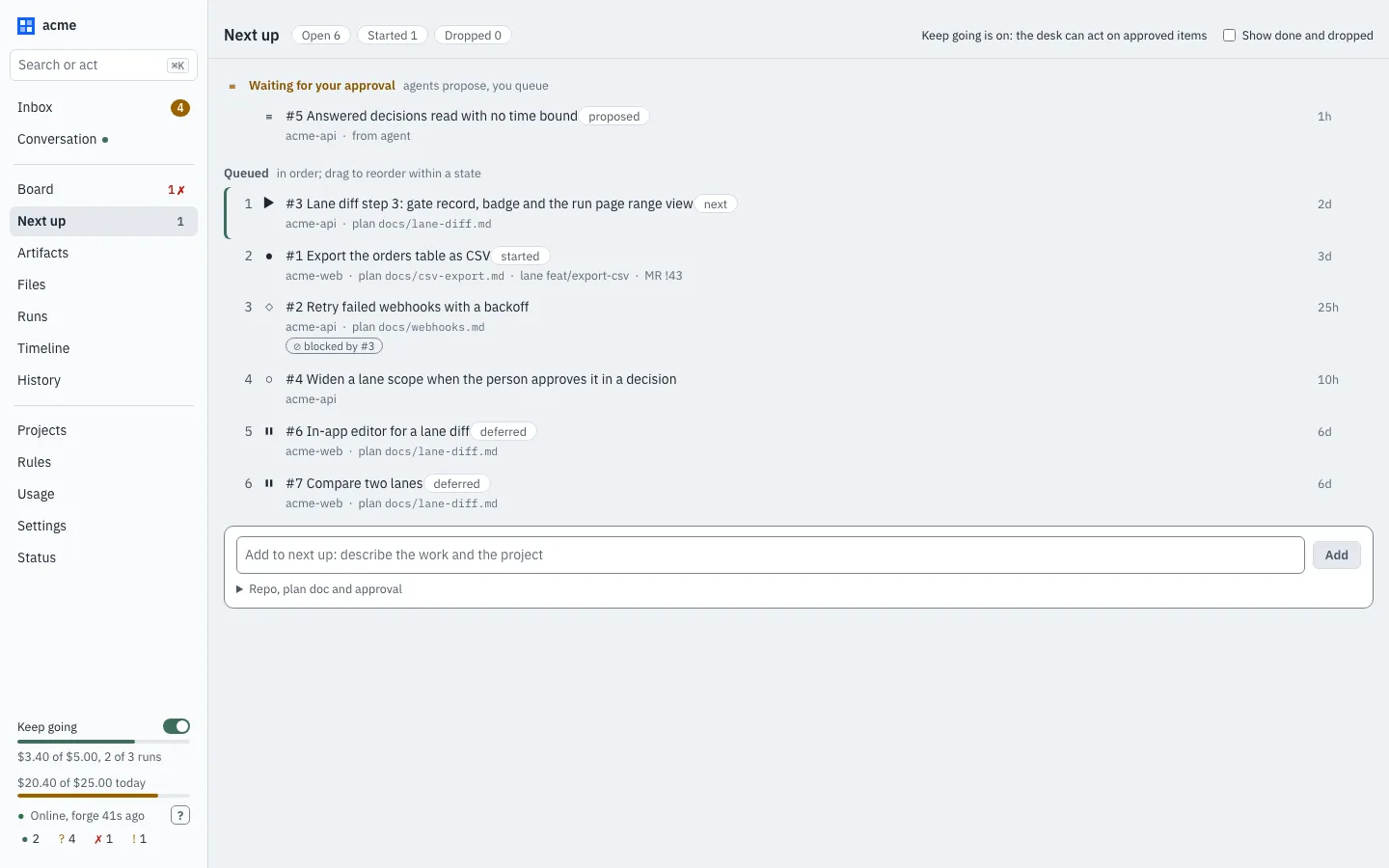
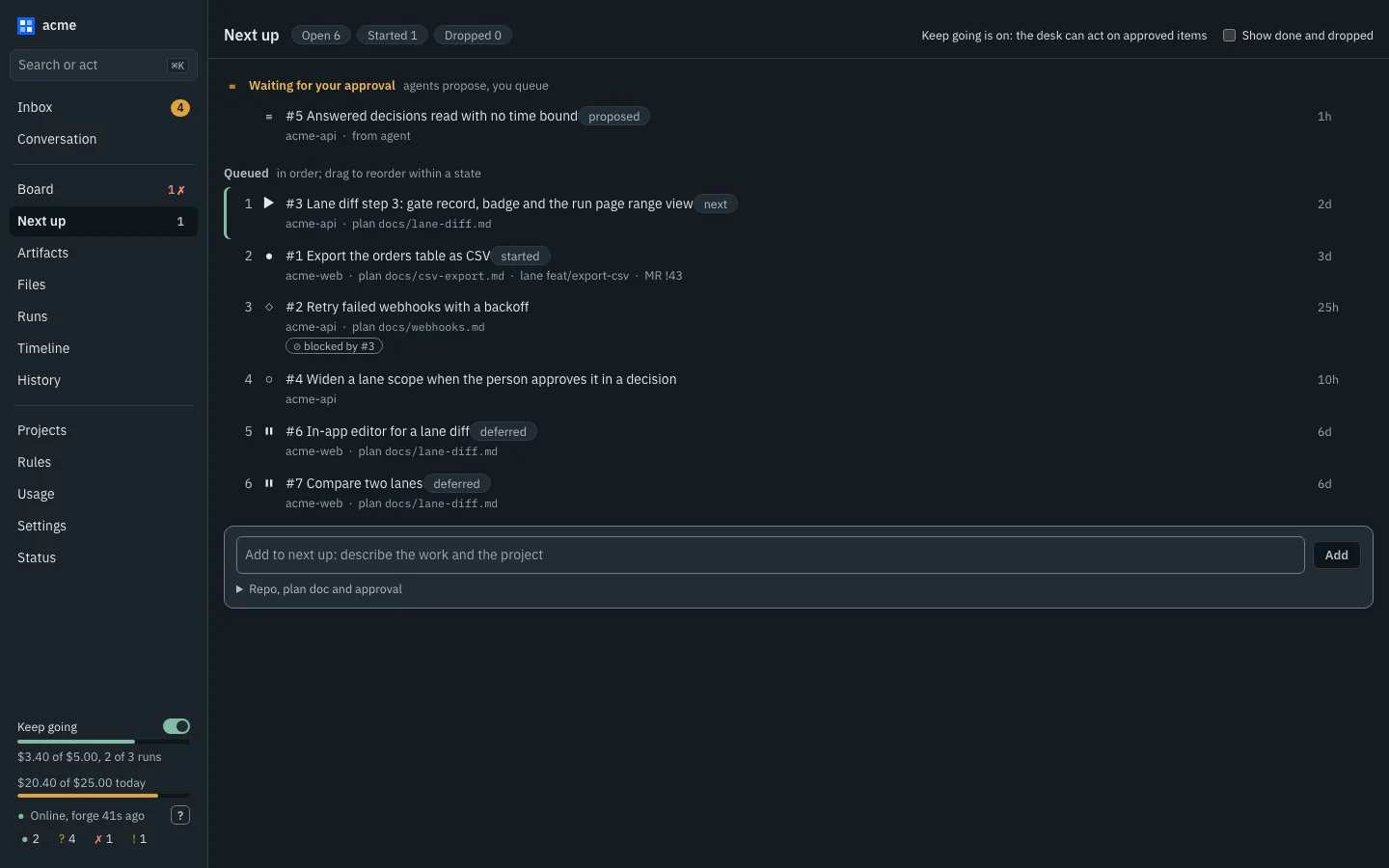
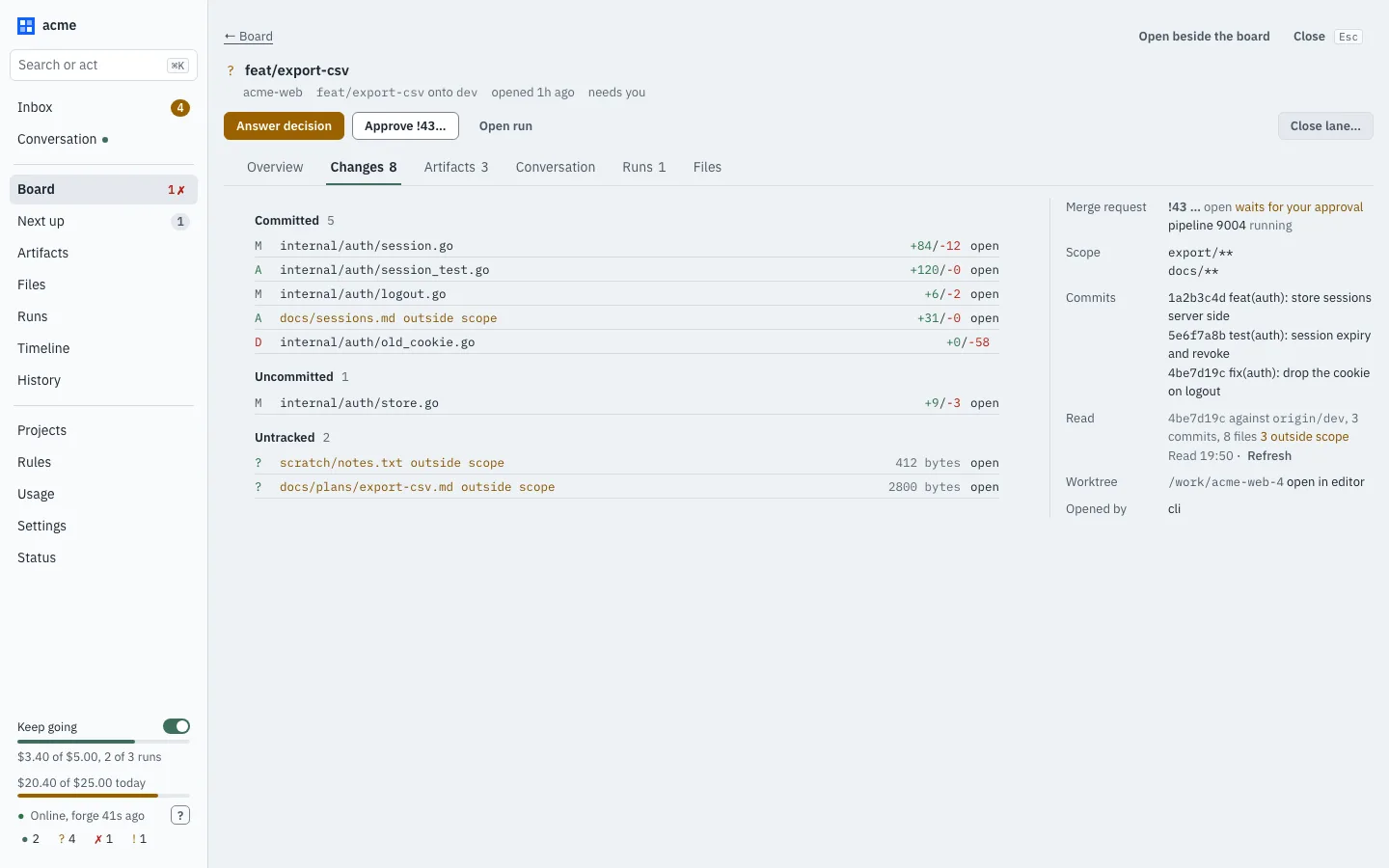
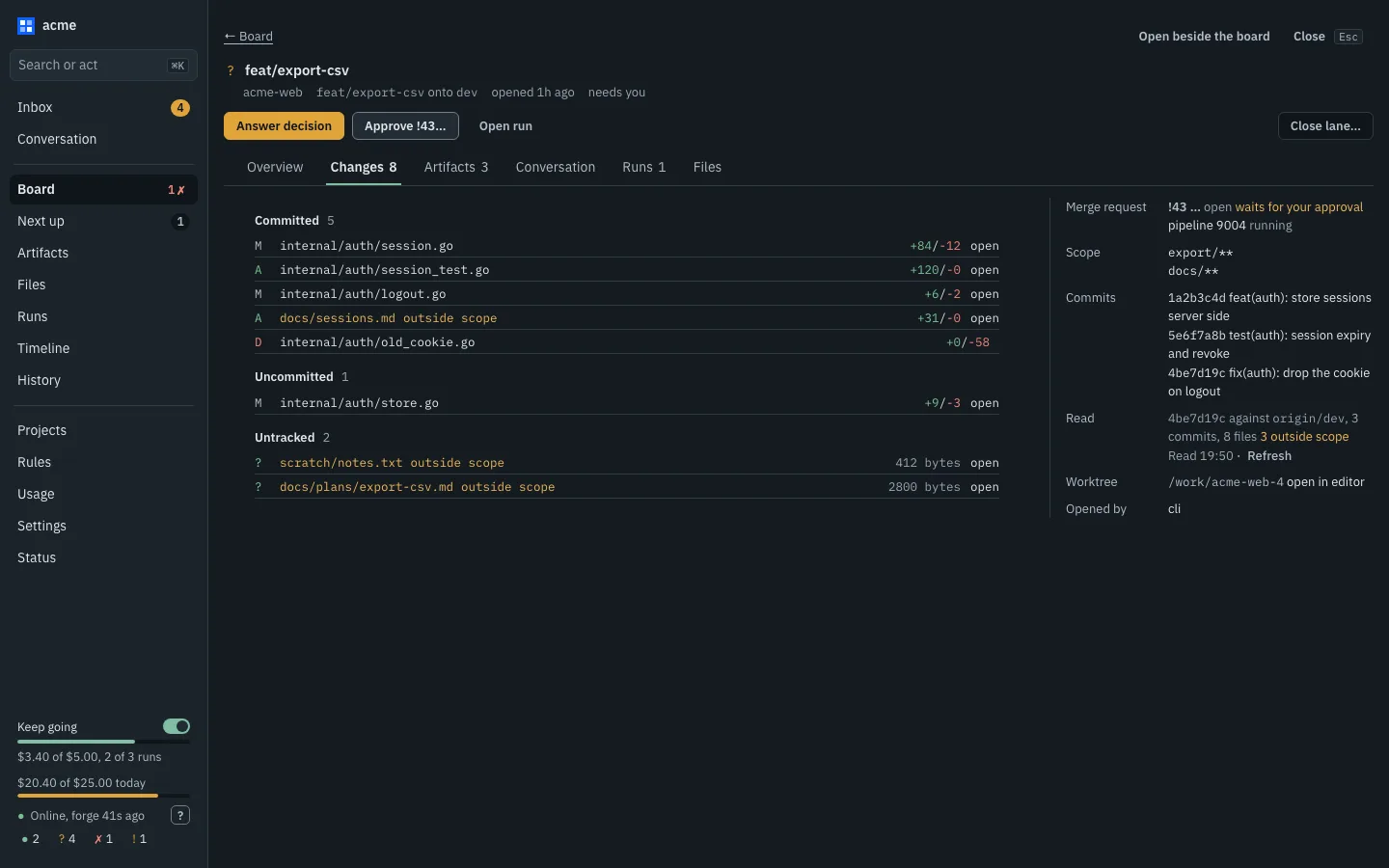
Screenshots of the web UI in v0.5.0-beta.2, with made-up data.
One voice to direct a whole swarm of AI agents.
uBixShepherd is a master control agent: a single point of communication between one human and many AI agents (Claude Code, Copilot, Cursor and OpenCode today, and whatever comes next). You talk to Shepherd; Shepherd hands out the work, keeps the agents from stepping on each other, holds the decisions that are yours for you, and reports back in one thread.
shepherd chat                          # the one conversation
shepherd web                           # sign a browser in to the web UI
shepherd lane open|list|scope|close   # a branch + worktree per stream of work
shepherd lane run|review|ship         # hand it work, check it, push it
shepherd lane diff                     # what a lane holds against its base
shepherd next list|add|approve|move   # planned work, in your order
shepherd repo add|remove|list|scan    # manage repos without init
shepherd run list|show|logs|stop      # agent runs, followed or continued
shepherd decision list|answer          # the questions agents hold for you
shepherd request list|route|close     # asks between lanes
shepherd session import|list|ask     # conversations had outside Shepherd
shepherd tag reserve|list|release    # release versions, one per lane
shepherd keep-going on|off|status      # let the front desk carry on with what is approved
shepherd question list|answer          # the front desk's questions to you
shepherd update upgrade                # install the newest release
shepherd stats                        # tokens, context size and cost
shepherd mcp                          # the same tools, for an agent to drive
Shepherd runs over a workspace (a directory of repos, not one repo) as a local daemon with a terminal front end. Each piece of work gets a lane: its own branch, its own worktree, and a scope of paths it holds. Two lanes can't hold the same files, and a pre-push hook refuses a push that strays outside its scope or onto the wrong branch.
Agents run in their lanes under your repo's rules: its gate, its setup, the paths it forbids, and how much it lets an agent do alone (merge, tag, deploy, push: you, the agent, or Shepherd). When an agent needs something from another lane, it asks Shepherd, which routes the question to the agent working there, and asks a different provider for a review. When it needs you, the question waits in one list until you answer, and the agent picks up where it left off.
The same daemon serves a web UI, built from one design system: a sidebar, a main body and a side panel that opens any row without leaving the list. The Conversation is the home page, the Inbox gathers everything waiting on you (decisions, questions, blocked lanes, merge requests to approve), and the rest is the Board, a lane's changes and read-only files, Artifacts, Runs, the Timeline, Next up, Projects, Usage and Status. Its Settings page edits the config file with a diff preview, and asks you to confirm any change that gives agents more power.
Shepherd is model-agnostic and drives the agents through their own CLIs, under your own accounts. No telemetry. Nothing leaves your machine except what the agents and your forge already send.
$ shepherd lane open media-seam --scope 'src/Media/**'
$ shepherd lane run media-seam --agent claude \
       "add a storage interface and move the local driver behind it"
$ shepherd decision list
$ shepherd decision answer 12 "keep the old config key for one release"
# Shepherd runs the repo's gate, pushes, opens the merge request.
# Merging follows your repo's rules.
$ shepherd lane review
$ shepherd lane ship media-seam
# every file marked inside or outside the lane's scope
$ shepherd lane diff media-seam --stat
$ shepherd next
$ shepherd lane open --item 3
# spend, concurrent runs and idle time are enforced by the daemon;
# it turns itself off when a limit is reached
$ shepherd keep-going on --cap 5 --runs 2
$ shepherd keep-going status
$ shepherd request list
$ shepherd request route 7 --lane media-seam
$ shepherd session ask 3f2a9c1e "why did we drop the cache layer?"
$ shepherd stats --days 7
# holds new starts, waits for running agents, continues any it had to stop
$ shepherd daemon restart --drain
$ shepherd update upgrade
# two lanes can never be handed the same version,
# and a tag cut before its lane merged is refused
$ shepherd tag reserve minor
# adopt the lanes a team already tracks by hand,
# and the agent conversations already on disk
$ shepherd fold import --apply
$ shepherd session import
$ shepherd lane review          # finished, live or unclear, with the evidence
shepherd lane widen — or a repo can let it widen by itself, for a small request naming exact files, by setting widen: auto; off unless the repo sets it, and protected paths are never widened.shepherd web: the conversation, inbox, board, lane changes and files, artifacts, runs, timeline, Next up, usage and settings in a browser, in light and dark.Screenshots of the web UI in v0.5.0-beta.2, with made-up data.
A daemon keeps the lanes, the runs and the questions. Every agent, and you, reach it the same way.
Shepherd is one Go binary: the daemon, the command line, the terminal chat, an MCP server and a web UI the daemon serves (shepherd web). The daemon listens only on loopback, with a token that changes each time it starts, and keeps its state in SQLite under ~/.shepherd. It starts itself when you first need it, or runs as a launchd or systemd service.
It is in open beta: in daily use, building itself and running other uBix projects, uBixCore among them. Its interfaces (the CLI, the config file, the HTTP API, the MCP tools and the hook protocol) may still change between betas, and each change is listed in the changelog. It is open source and self-hosted like the rest of the family.
The direction Shepherd is being built in. None of this is a promise of a date, and the beta table below says what works today.
The current beta is v0.5.0-beta.2. Prebuilt binaries for macOS, Linux and Windows (amd64 and arm64) are published on GitHub Releases. They are not code-signed; each release publishes a signed SHA256SUMS to check them against.
The script detects your OS and architecture, downloads the newest release, checks it against SHA256SUMS and installs shepherd into ~/.local/bin. Read it first, then run it.
$ curl -fsSL -o install.sh https://raw.githubusercontent.com/ubixsys/ubixshepherd/main/bin/install.sh
$ sh install.sh
$ shepherd version
Windows builds, but is untested: expect rough edges. Download the .zip for your architecture from the releases page, unzip it, and put shepherd.exe on your PATH. The PowerShell steps are in the install guide.
claude, copilot, cursor-agent or opencode, to run agents. Lanes and the pre-push hook work without.glab login. Shepherd stores no forge token.The beta is for people who are comfortable with a tool that is still changing. The changelog's "Known limits" has the full list.
| Works today | Not yet |
|---|---|
| Lanes with per-repo scope leases and the pre-push hook | Workspace-wide leases across repos |
| Claude Code, Copilot, Cursor and OpenCode runs, decisions, routed requests | GitHub as a forge for lanes (it is the release home only) |
| GitLab polling, merge closure and failed-pipeline hand-offs | Typed cross-repo work orders and triage |
shepherd chat, the MCP tools, the web UI (shepherd web) | A login service and config reload on Windows |
The web UI's inbox, board, artifacts, files, timeline, Next up list and lane Changes tab; lane diff | Merges by rule, and the AI review row in the approval panel (it always reads "unreviewed") |
| Keep-going mode within its limits, review threads handed back to agents, restarts that drain | Keep going starting work by itself: with it on, the desk acts on events within the limits |
Projects with budgets, standards packs, usage stats, repo add | Windows: builds, but untested |
| macOS and Linux, both tested in CI |
Scoped tokens and the pre-push hook stop accidents, not a hostile agent: an agent runs as your OS user.
Found a problem? Open an issue with the output of shepherd version, your OS and what you ran. The source, changelog and docs are in the repository.